
With tens of thousands of surfing images stored on my hard drives, I realized that I have an incredible source of material to play around with (notice I didn’t say “work”). Photoshop opens the door to a wealth of approaches to making whimsical, wacky, or cool images from your surf photography. Let me show you some examples…
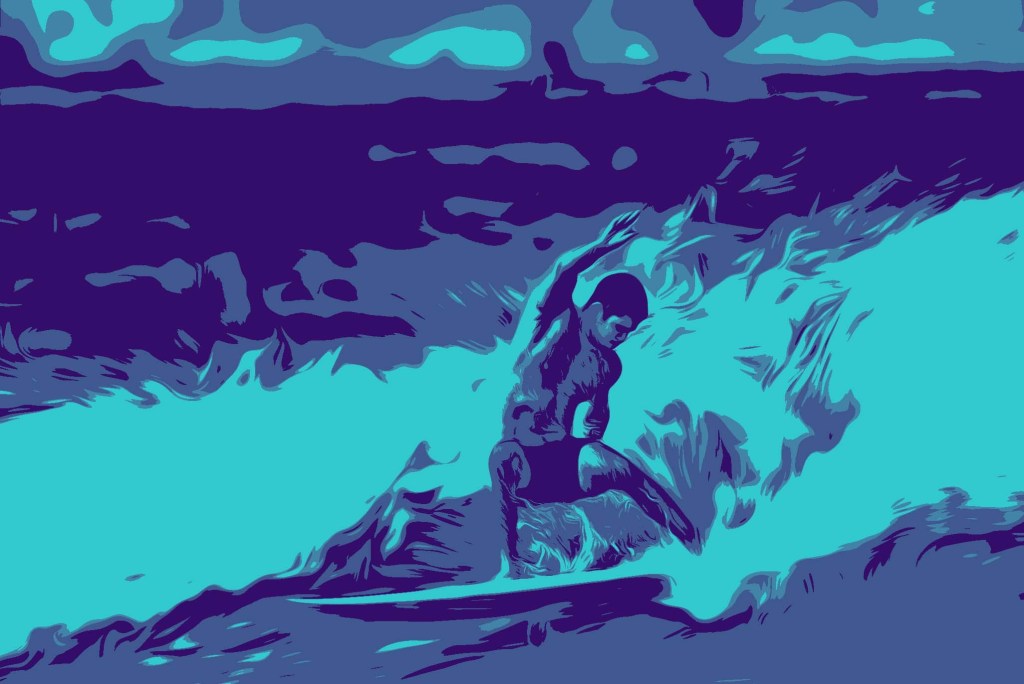
I like to start with an image that is bold and dynamic. Here, I used a shot of my son taken at the Tijuana Sloughs. I cropped it in tight and then hit the threshold filter and utilized the gradient map for the color selection. I also added in a painting filter to stylize the water a bit more. I could do this process 20 times and each time the image would come out different – thus the “Playing” part of the process.
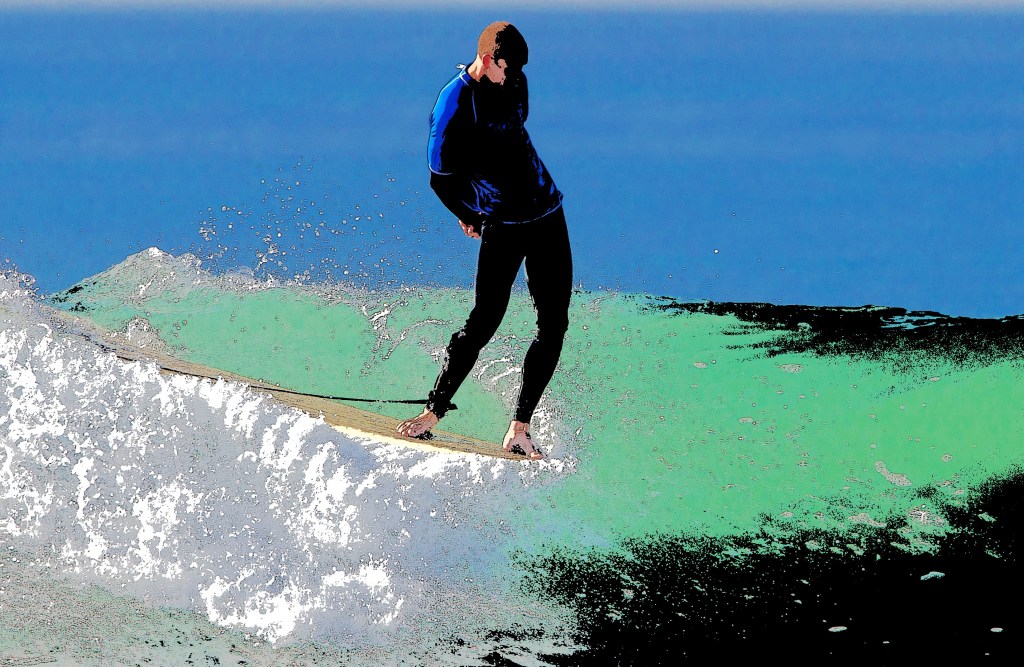
This is an image taken at a recent longboard competition at my local break. Liam is all about the style and the clean image turned out really well. Then I got to playing again and using the threshold adjustment followed by the gradient map to set a different selection of colors. I like the whole vibe of this image.
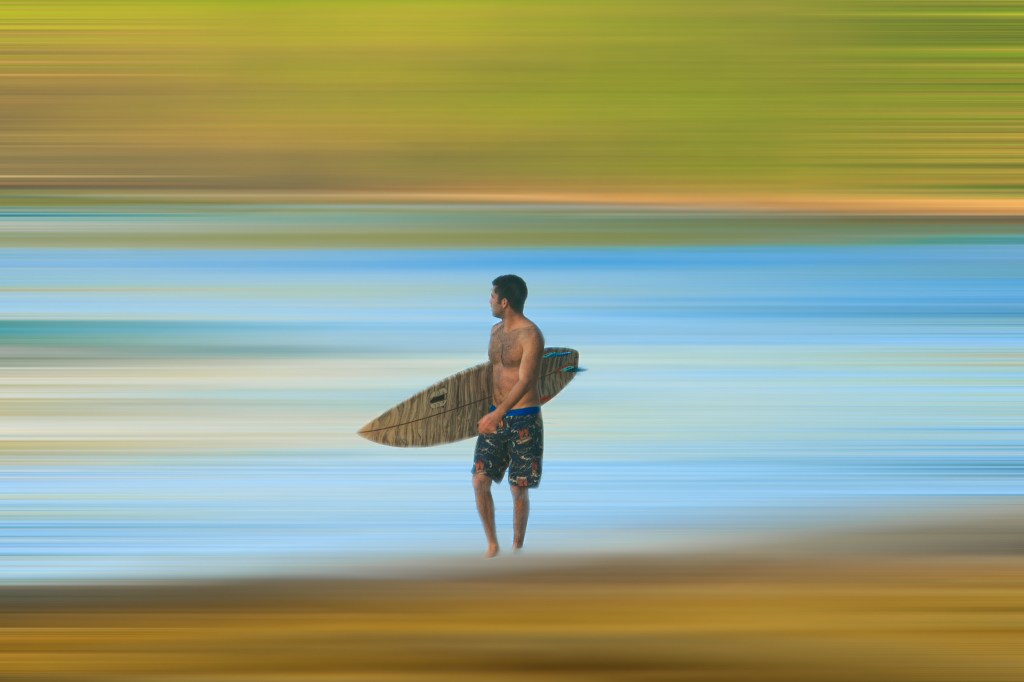
Here’s one that is really easy to create and the result is pretty dreamy. I selected an image that had sand in the foreground, the ocean in the middle, and a hillside in the background. I isolated the image of the surfer and then applied a blur filter to the remainder of the image. Using the sliders, one can use as much or little blur as needed to create the desired effect. The color combo on this image reflected the jungle tones and complimented the board shorts!
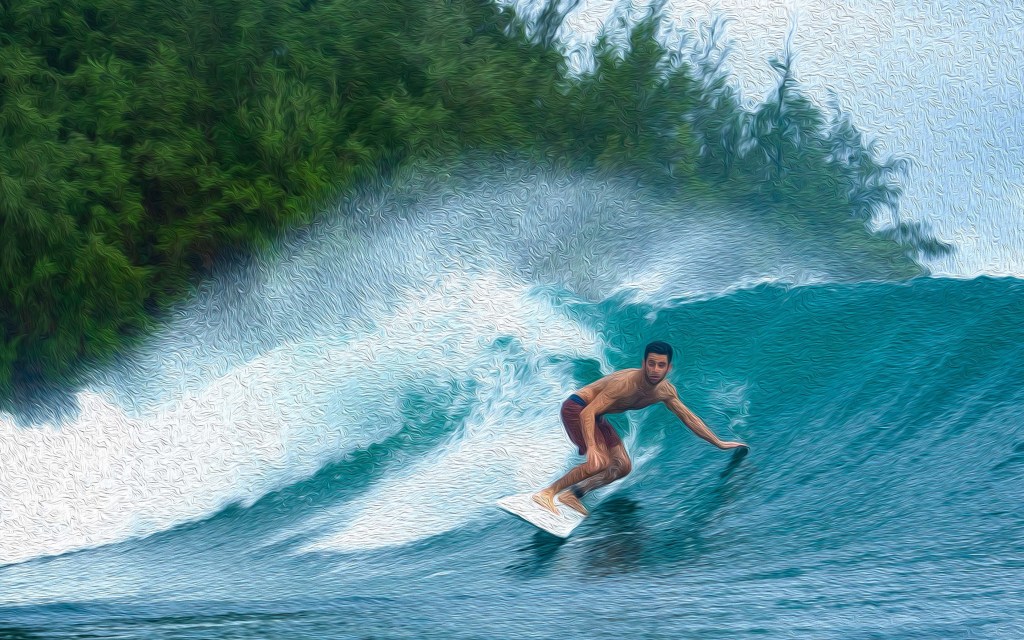
Here’s a final image to consider. This utilizes the oil painting filter. If you zoom in on the image, you can see brush strokes throughout. Printed on a canvas, this would make a cool memento from any trip!
So many options, so little time!
 Water Clicker Photo Blog