
Back button focusing is one of the simplest ways to improve your surf photography (or any photography for that matter) and I have grown to love the versatility it provides. Here’s what you need to know…
The modern digital camera is a wonder of technology. Unlike the days of old, we have through-the-lens focusing which frees up your left hand and brain from having to move the manual focus ring on your camera. One can use a series of focus setups such as center focus or area focus, making this part of photography a no-brainer.
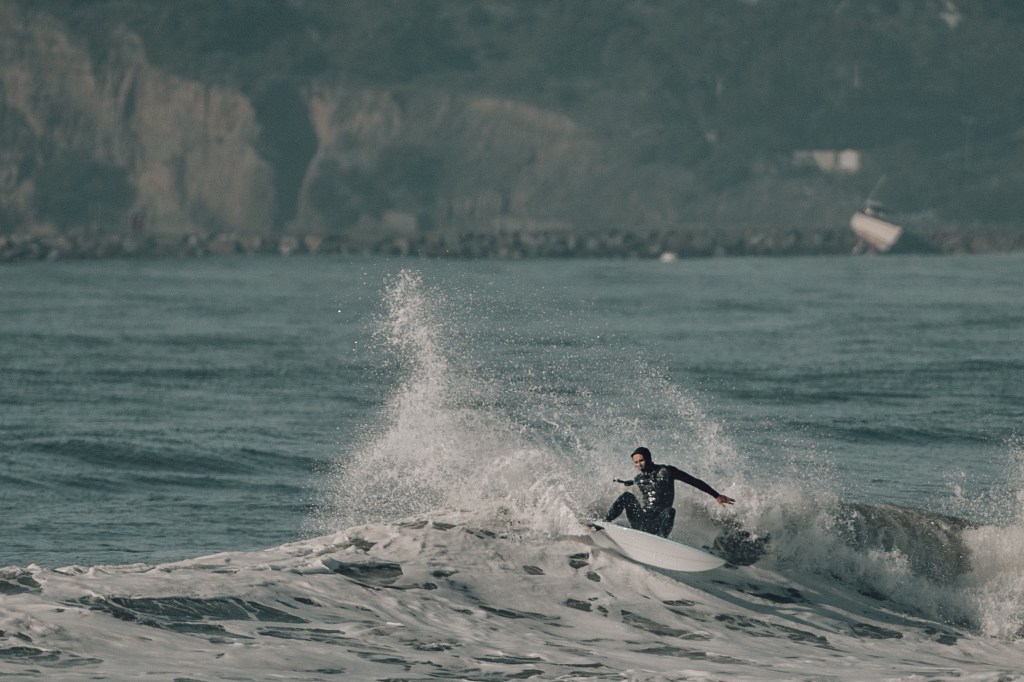
But “no-brainer” can mean standard and unimaginative. What happens when you press the shutter release halfway down? Your camera focuses as instructed. If it is set for center focus, the camera automatically focuses on the center of the image and this may be fine. If you want some more creativity and move your camera so your subject is on the side of the image, your camera will refocus on whatever is in the middle when you press the shutter, leaving your subject out of focus. That means you are constrained to leaving your subject in the middle of your image. Back button focus allows you to lock your focus on the subject then move your camera around for a better composition. Look how much more dramatic the below image is when the surfer is looking out upon the waves from the side of the image rather than having the subject in the center.

Now speed up the process of shooting with a high-speed sport like surfing. When your subject is moving parallel to shore, the focus range is roughly the same. The wildcards, though, are other subjects that pass through the frame such as birds flying or the whitewater of the wave in front your surfer, or even the backdrop. With normal focus, your camera will constantly be refocusing as long as your finger is on the shutter. The result can be an out of focus surfer. The solution: back button focus.

So How Does Back Button Focus Work
Back button focus mean you set one of the buttons on the back of your camera to act as the focus button rather than the shutter release button. On my Canon Mark III, I assigned this to the AF-On button. My thumb rests on that button while my index finger is free to press the shutter button. When I press my thumb once, my camera focuses and keeps that exact focus until I press it again, no matter how many times I press the shutter release. If I want continuous focus, I just leave my thumb depressed. Simple!
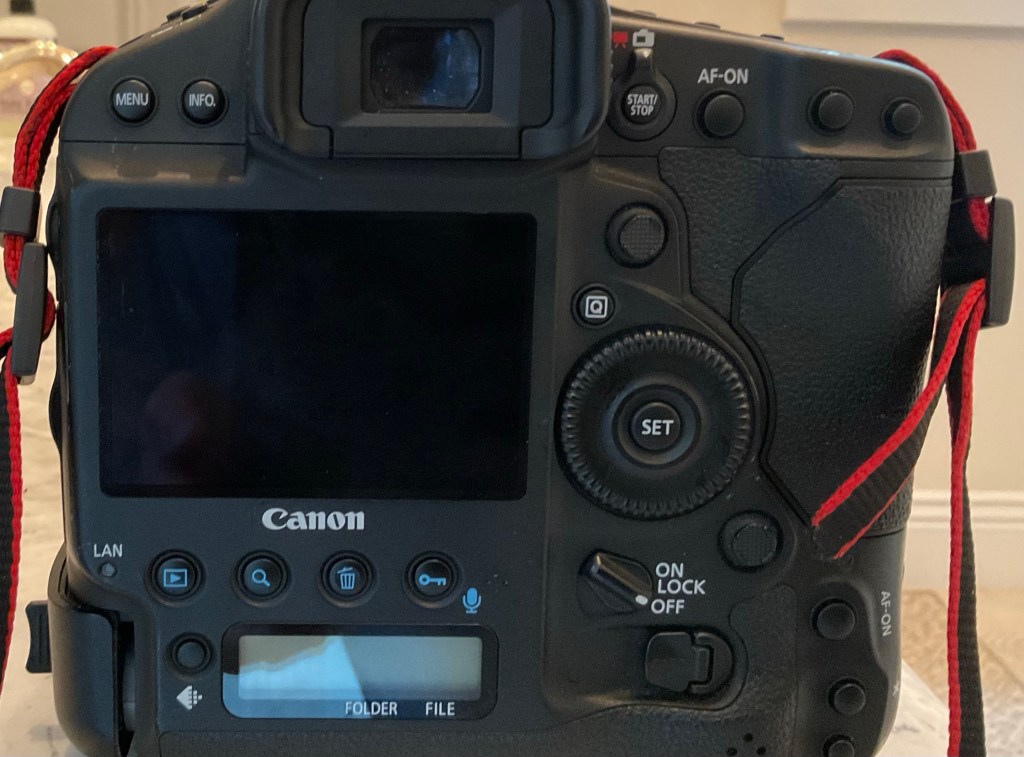
How to Set the Back Button for Focus
This is a two step process. First, pick the button on the back you want to use for focus, like AF-ON. Go to Custom Controls. Highlight AF-On and press Set. Next, select Metering AF Start Option and press Set. Second, we have to remove auto focus from the shutter button. In Custom Controls, highlight shutter release (first icon) and then turn the set button ring to highlight metering, which is the middle icon, and press set. Okay, you are ready to go. Remember, use your thumb to start the auto focus. After a few rounds, it will become natural and open up the possibilities for more creative and more consistent shooting!
 Water Clicker Photo Blog